
JPG PNG to WebP Converter
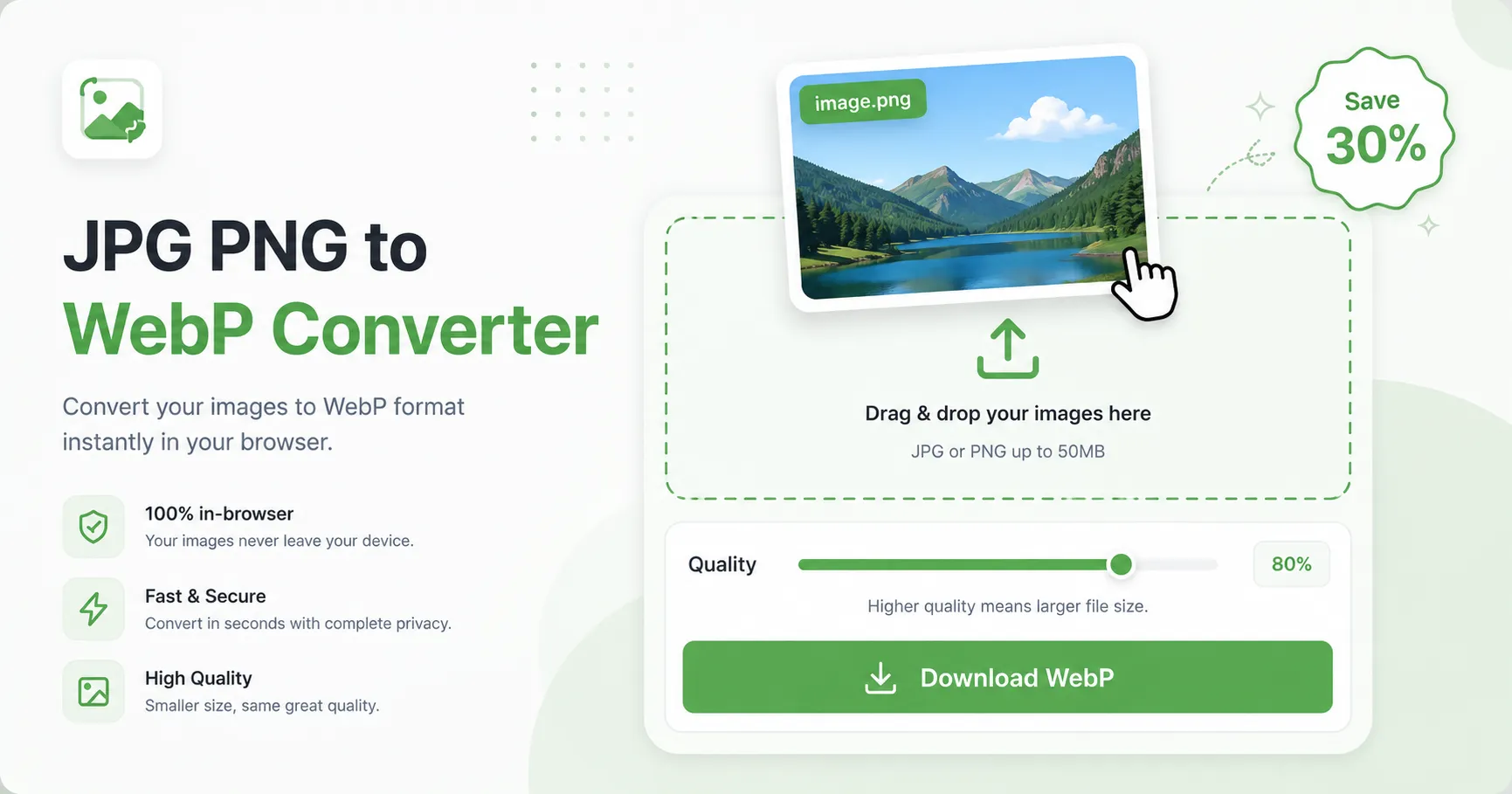
Convert JPG/PNG to WebP right in your browser — your file is never uploaded to any server. Requires a modern browser (Chrome 50+, Edge 79+, Firefox 96+, Safari 17+).
Click here or drag an image (JPG/PNG)
Convert JPG or PNG images to WebP format for free with this online image converter. Just pick a file or drag it onto the area below, adjust the quality, then click “Download WebP”. The whole conversion runs entirely in your browser — your image is never uploaded to any server, so it is safe for private or sensitive files.
WebP is developed by Google and typically produces files 25–35% smaller than JPG at comparable visual quality. That means faster page loads, lower hosting bandwidth, and a better Core Web Vitals score — which modern SEO rewards. Use this converter to optimize blog images, product photos, or website assets before uploading them.
Why convert to WebP?
- Smaller files, same quality — a WebP at quality 80% looks nearly identical to the same JPG but can shave up to 30% off the file size.
- Faster websites — smaller images load faster on slow connections, helping your Core Web Vitals and user retention.
- Full transparency support — PNG without hard edges; WebP keeps transparency at a fraction of the PNG size.
- Supported everywhere modern — Chrome, Edge, Firefox, Opera, and Safari 17+ all decode WebP natively.
How this WebP converter works
- Pick or drop a file — choose a JPG or PNG from your device.
- Adjust quality — the quality slider directly controls compression; the preview updates instantly.
- Download your WebP — everything happens locally. No upload, no server, no account.
All processing runs inside your browser using the standard Canvas API on Windows, macOS, Android, iOS, and Linux.
Is this WebP converter safe to use?
Yes — your privacy is protected. This converter never uploads your image to any server. The whole conversion happens locally inside your browser, so no server ever sees, stores, or keeps your file. No data is saved, logged, or shared. It is fully private and works offline too.
Frequently asked questions
Is converting JPG to WebP free? Yes — always. No sign-up, no watermark, no image limit.
Does WebP lose quality? Quality depends on the setting you choose. JPG is already lossy; converting JPG to WebP is lossy too, but at the same quality setting WebP is visually comparable to the original JPG while taking up less space.
Can I convert WebP back to JPG or PNG? This tool currently converts JPG/PNG to WebP. To go the other way, you can open the WebP in most image editors — or check the image tool list on this site for more converters.
Does this work on Safari? Yes — Safari 17 and later support WebP conversion in the browser. For older Safari versions, we show a notice to use Chrome, Edge, Firefox, or Opera.
Pertanyaan yang Sering Diajukan
Is converting JPG to WebP free?
Yes — always. No sign-up, no watermark, and no limit on the number of images.
Does WebP lose quality?
Quality depends on the setting you choose. JPG is already lossy; converting JPG to WebP is lossy too, but at the same quality setting WebP is visually comparable to the original JPG while taking up less space.
Can I convert WebP back to JPG or PNG?
This tool currently converts JPG/PNG to WebP. To go the other way, you can open the WebP in most image editors, or check the image tools list on this site for more converters.
Is my image uploaded to a server?
No. The conversion runs entirely inside your browser using the Canvas API. Your image never leaves your device and is never stored, logged, or shared on any server.
Does this work on Safari?
Yes — Safari 17 and later support WebP conversion in the browser. For older Safari versions, we show a notice to use Chrome, Edge, Firefox, or Opera.